

A quiet place to write.
Glassine is a Markdown writing app for the Mac: a sheet of glass, a caret that glides, and plain text files that stay yours.
Free and open source. macOS 14 or later. Version 0.2.29.
Write.
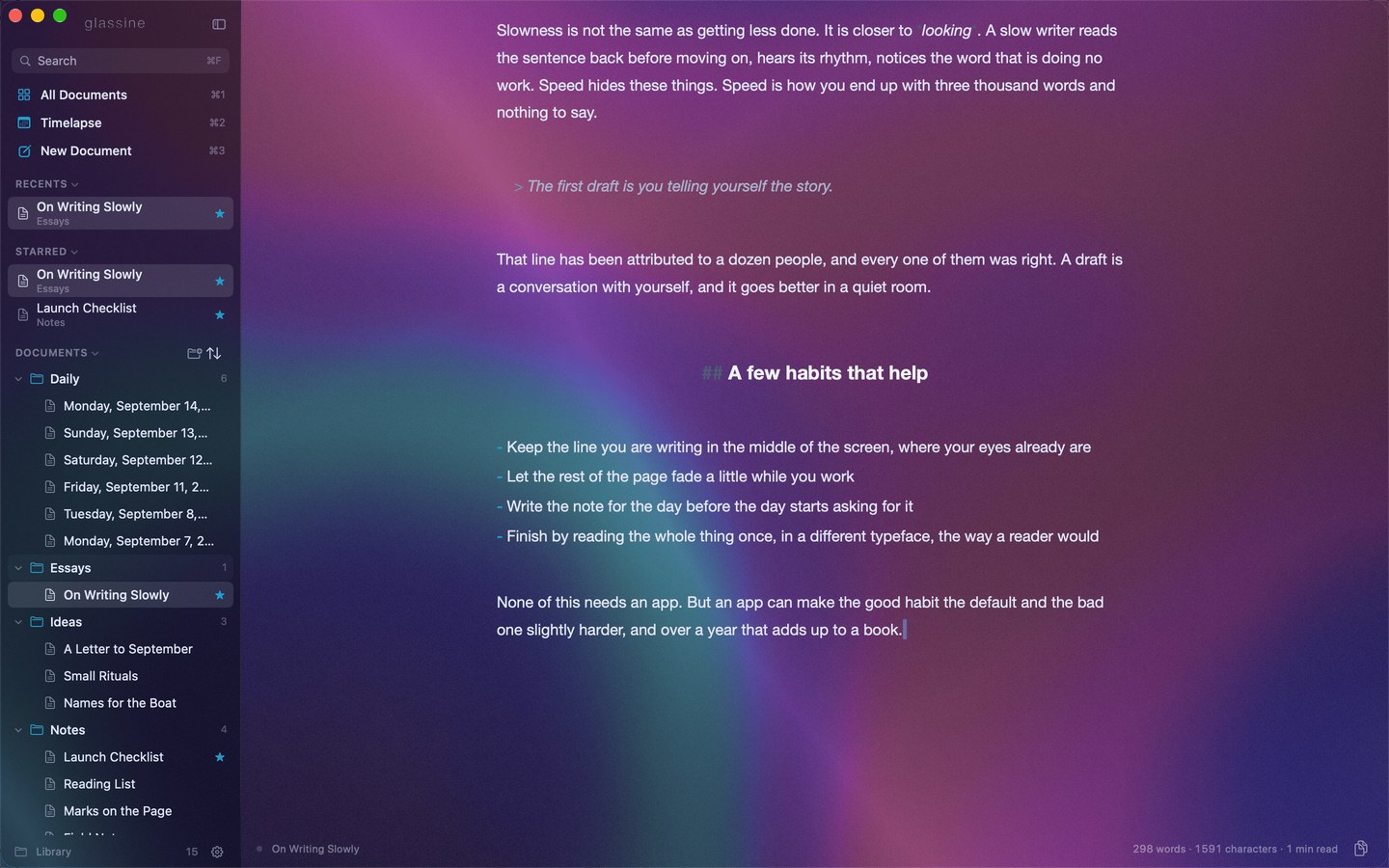
The caret glides from word to word instead of jumping. The paragraph you are in stays lit and in the middle of the window; the rest steps back. Markdown's marks dim — or leave the page altogether, until you return to the sentence they belong to.
Read it as a page.
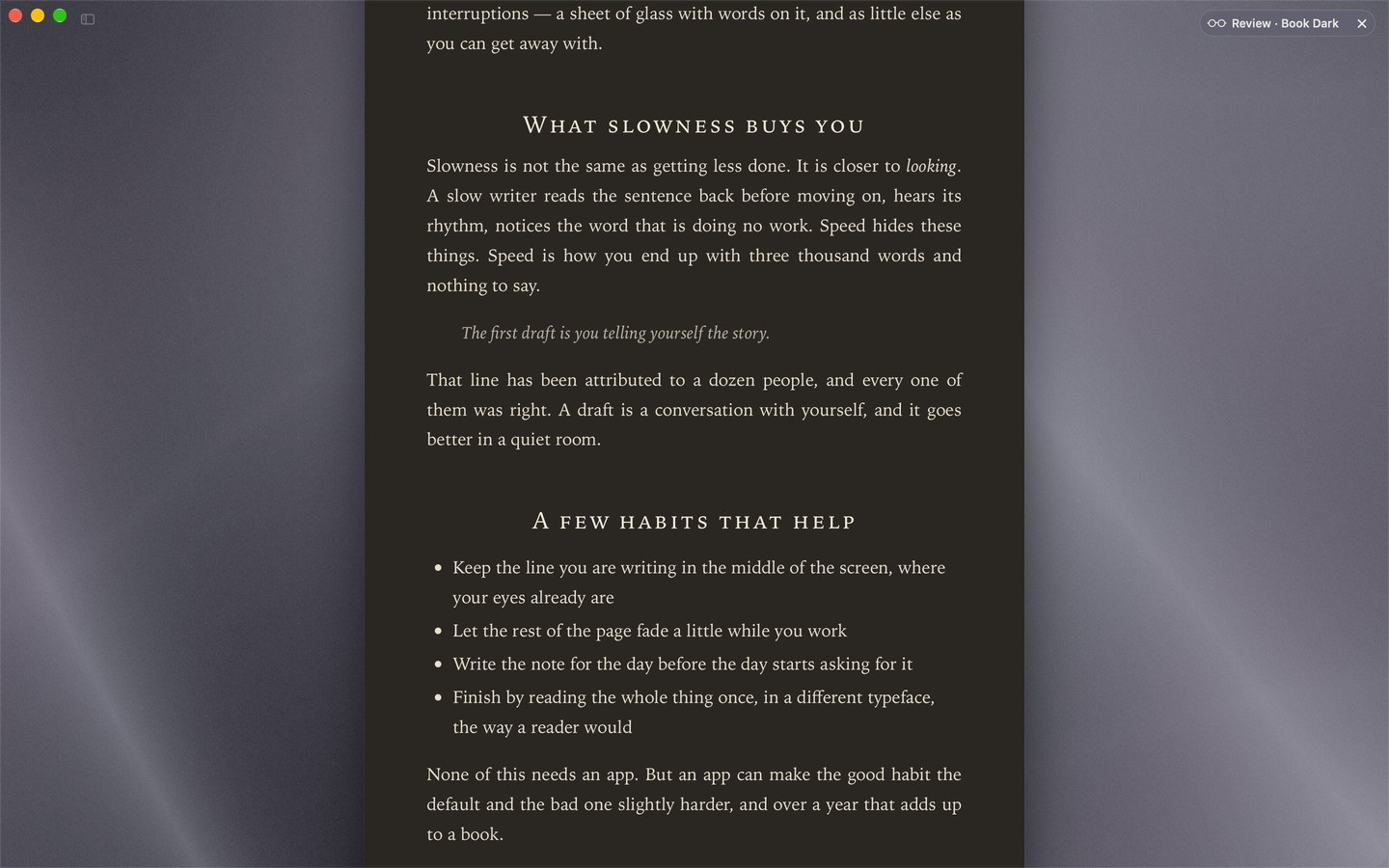
⌘↩ sets the document as a finished page in one of six styles — this is Book, after dark — then puts you back where you were. ⌘⇧↩ keeps that page beside the text, redrawn as you write.
A library, not a file picker.
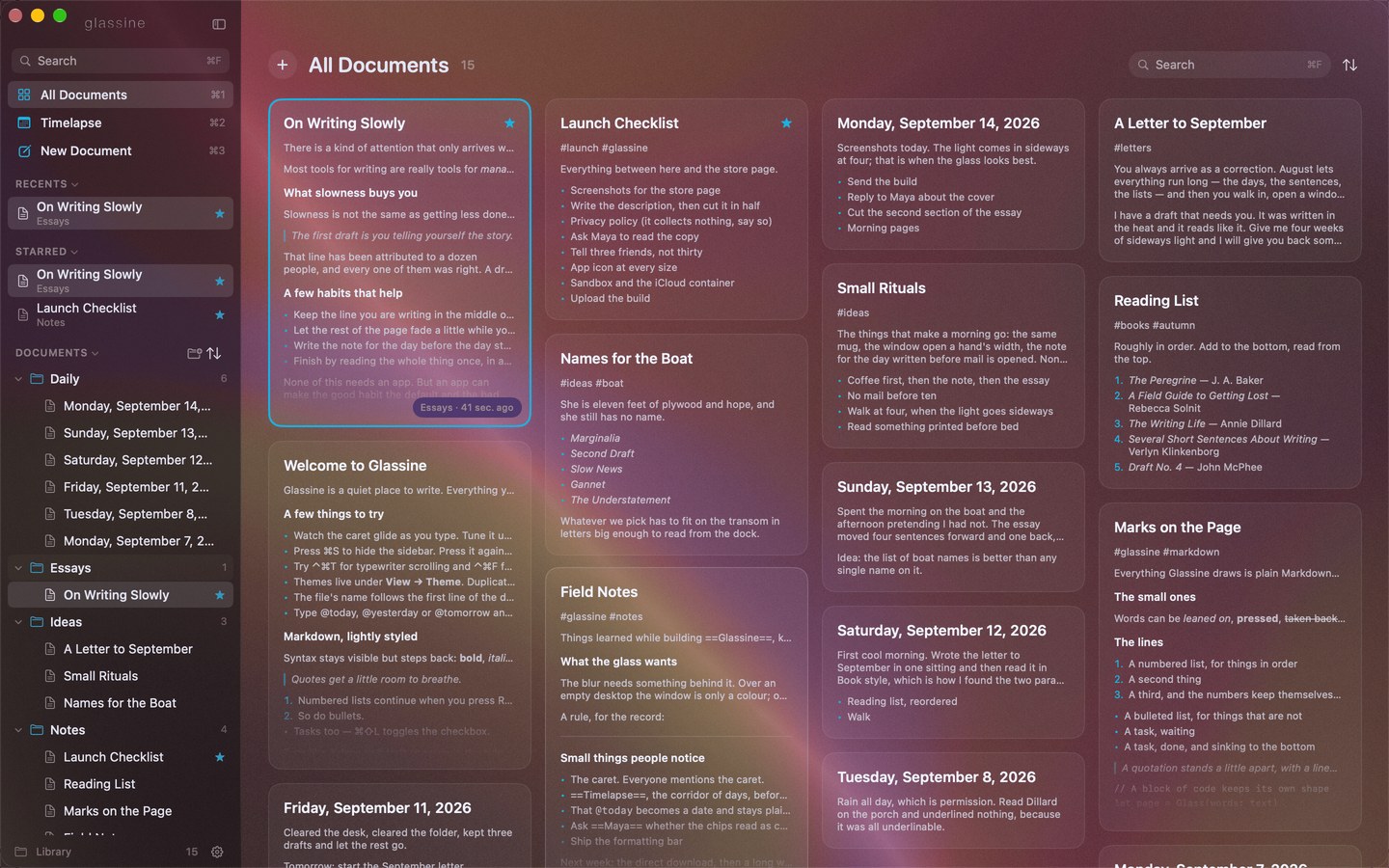
Every document is a plain .md file, named from its first line and saved as you type — in iCloud Drive, in any folder you choose, or in a private GitHub repository of yours that keeps every version. All Documents lays them out as a wall of pages; a click grows one into the window.
Yesterday is still there.
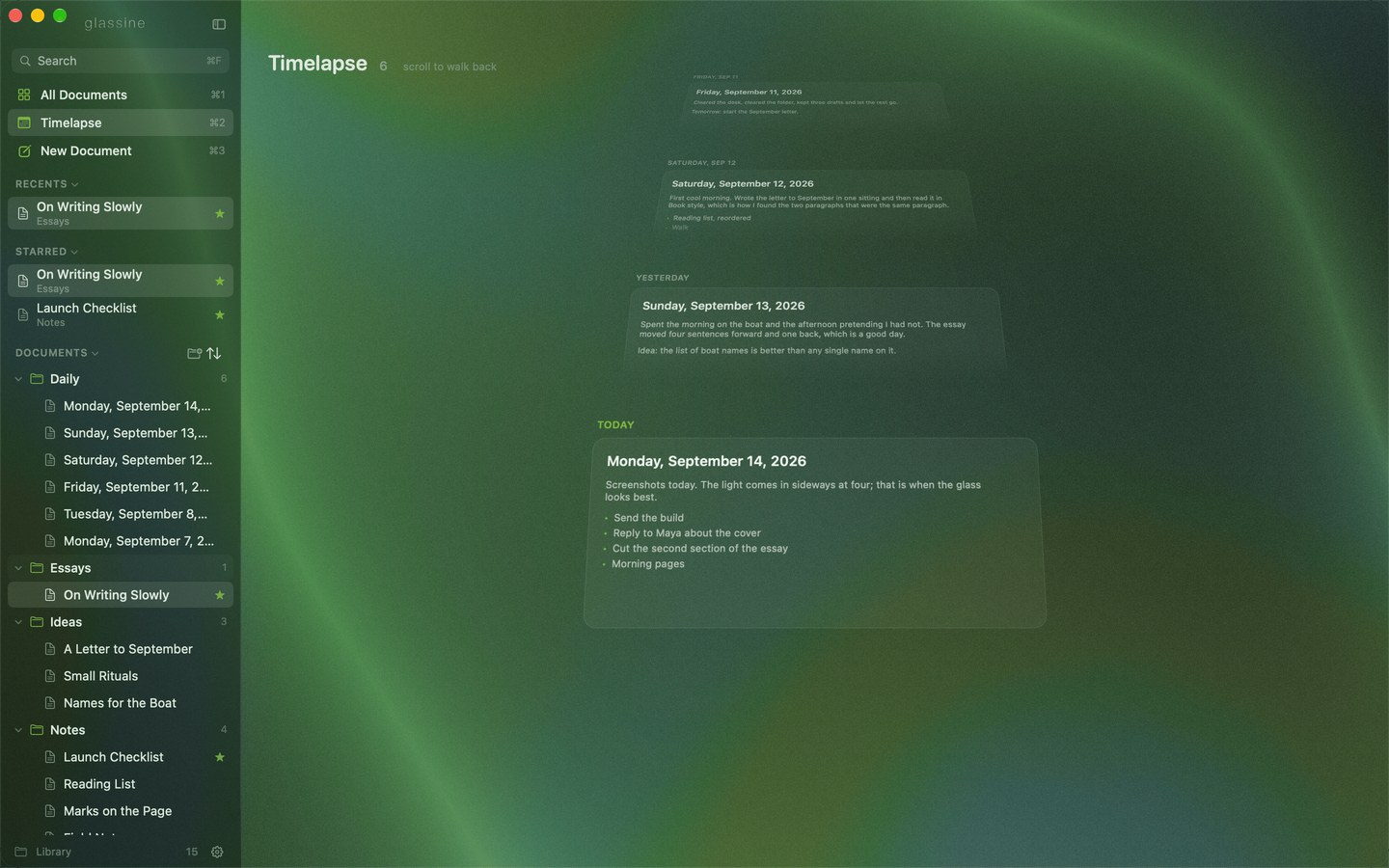
Timelapse keeps today's note in front and the earlier days receding behind it. Scroll to walk back through them.
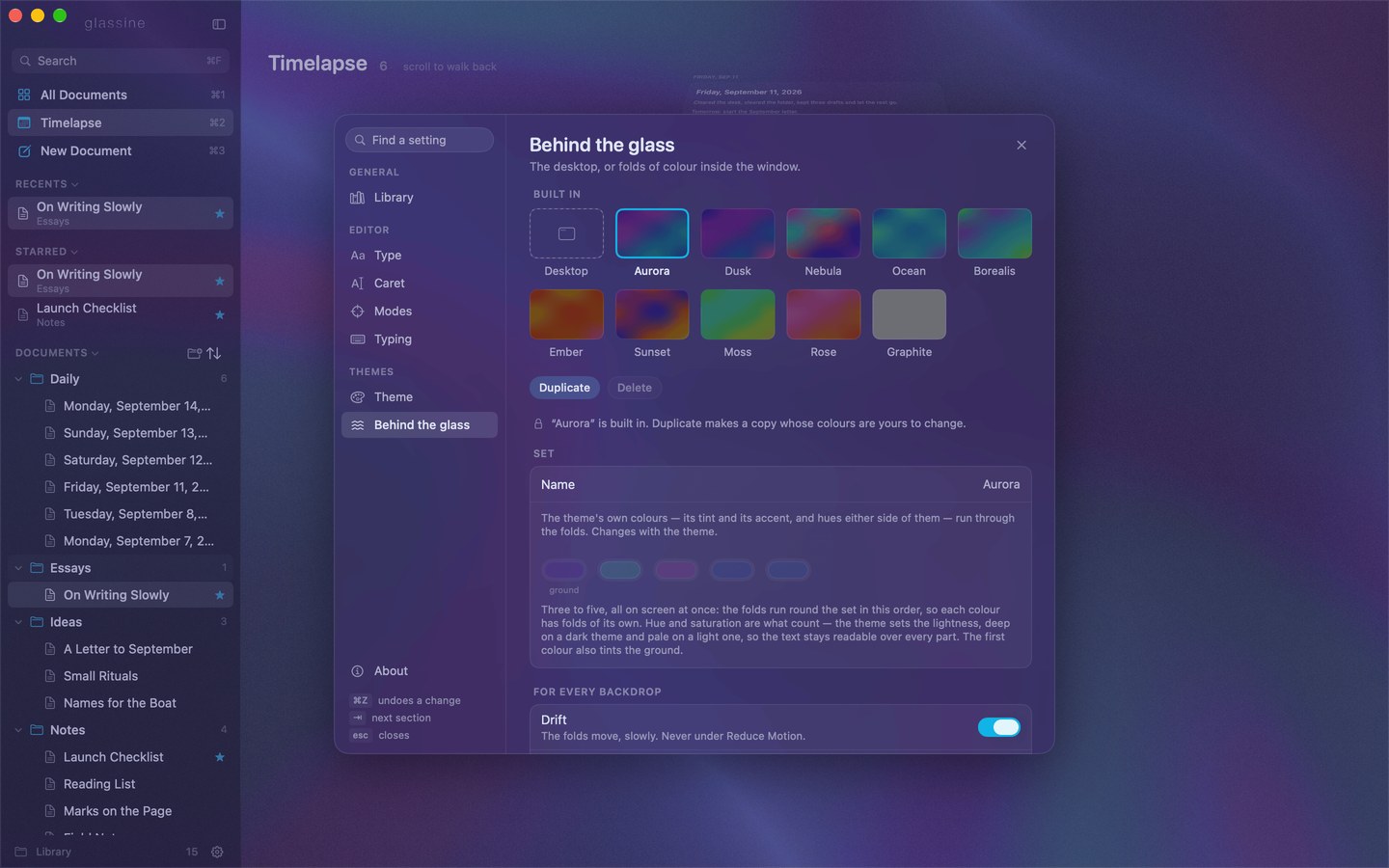
Change the light behind the glass.
The window is a blur of whatever is behind it. Or put the colour inside: long, slowly drifting folds of it, like silk lit from one side. Ten come built in, and any of them can be recoloured into one of yours.
This page is lit by the same shader. Try one.